
Qidda video lessons
Short videos that show each task in the Qidda app, step by step. Watch them here or inside the app.
Getting started
 Duration: 0:45
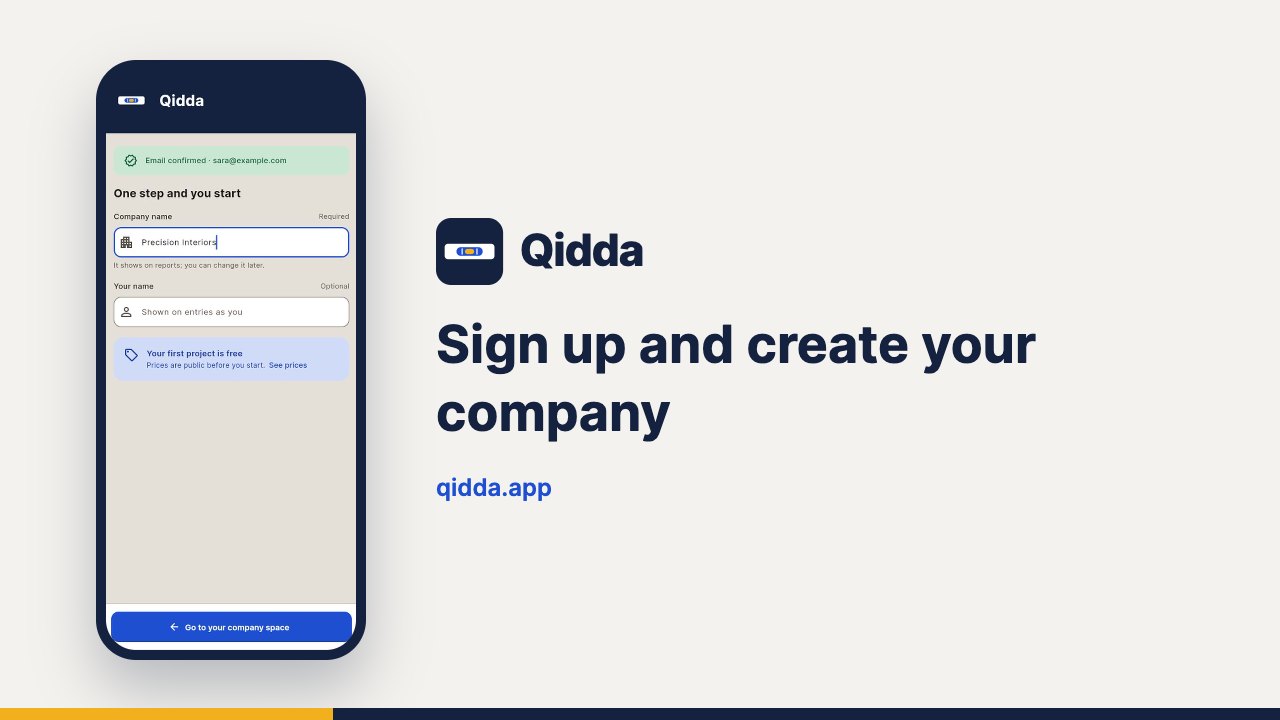
Sign up and create your company
Sign in with your email, no password: open the link we send, type your company name and start the same minute.
 Duration: 0:32
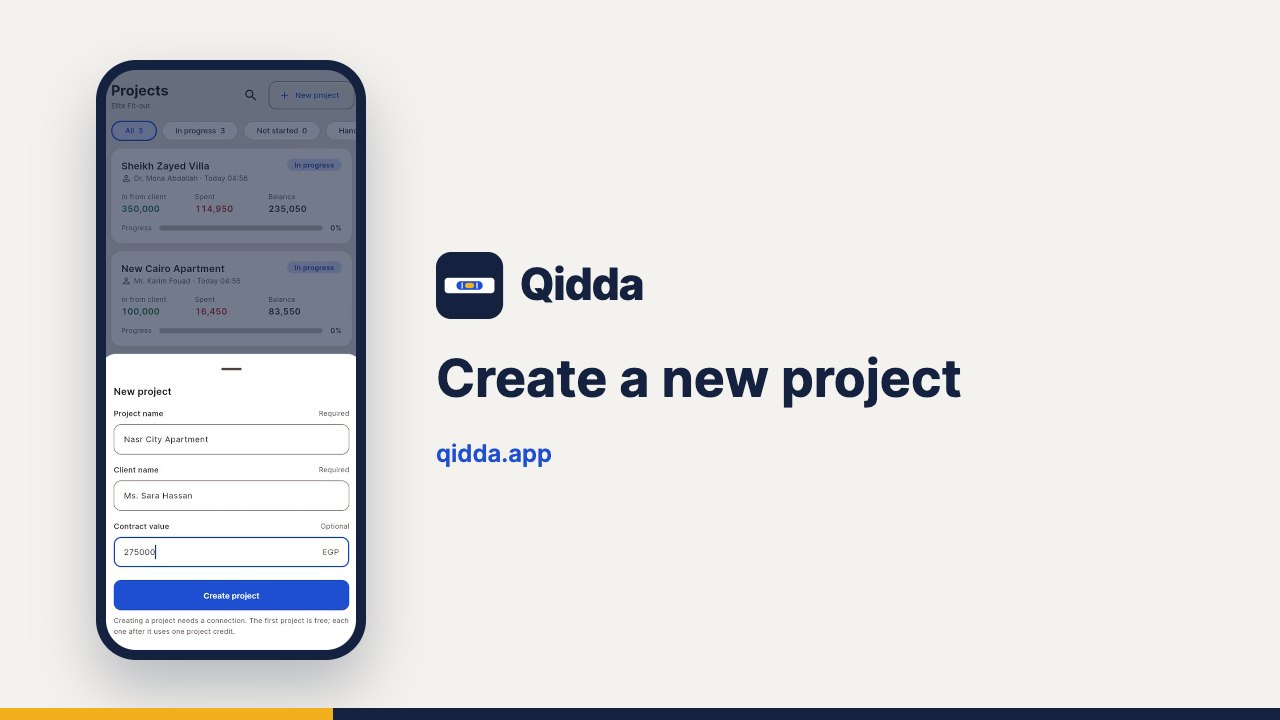
Create a new project
Create a project with its name, client and contract value, then follow what came in, what went out and what is left.
Project money
 Duration: 0:32
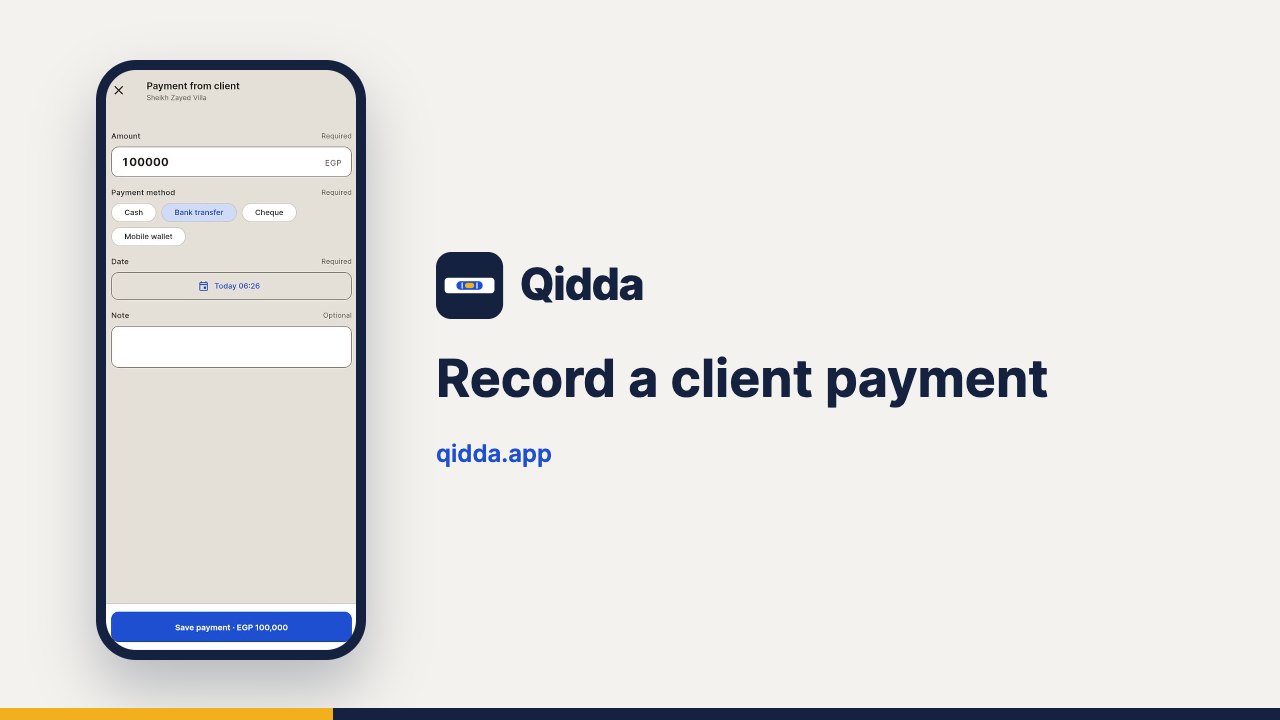
Record a client payment
Record every amount the client pays you and how, so the collected share of the contract and the balance update at once.
 Duration: 0:28
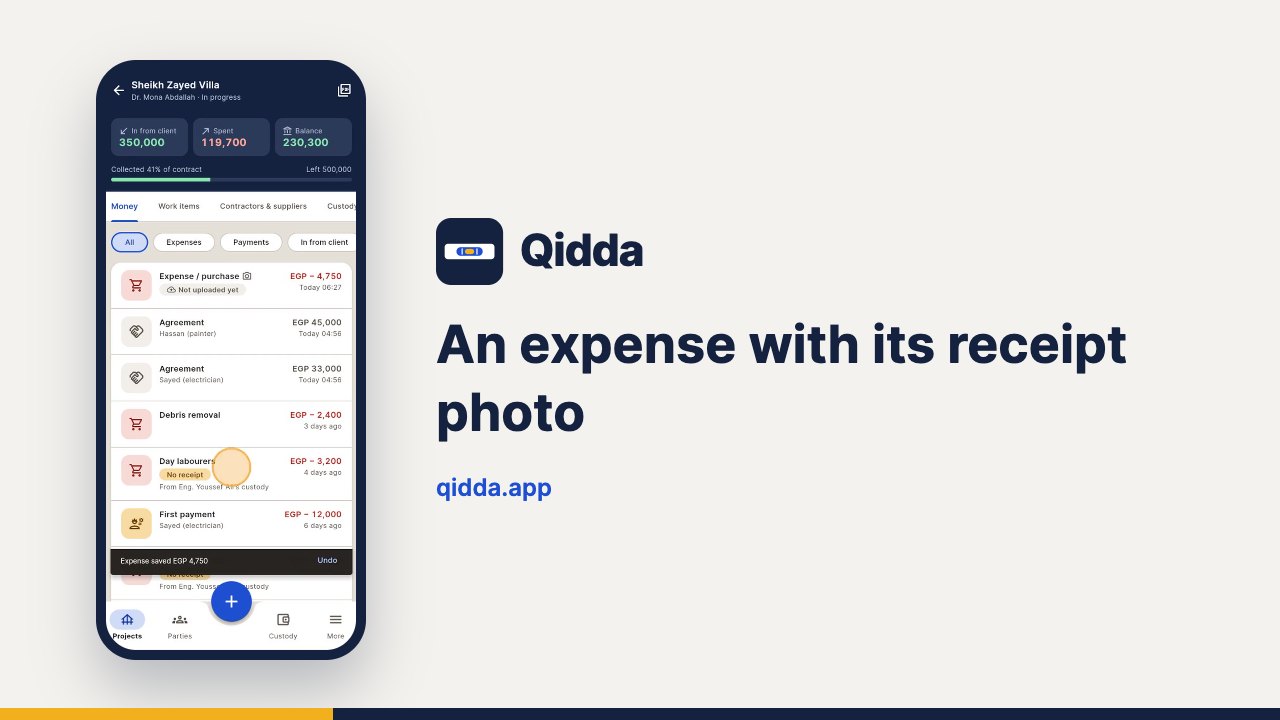
An expense with its receipt photo
Type the amount and snap the receipt: the expense is saved with its photo in three taps, even offline.
 Duration: 0:40
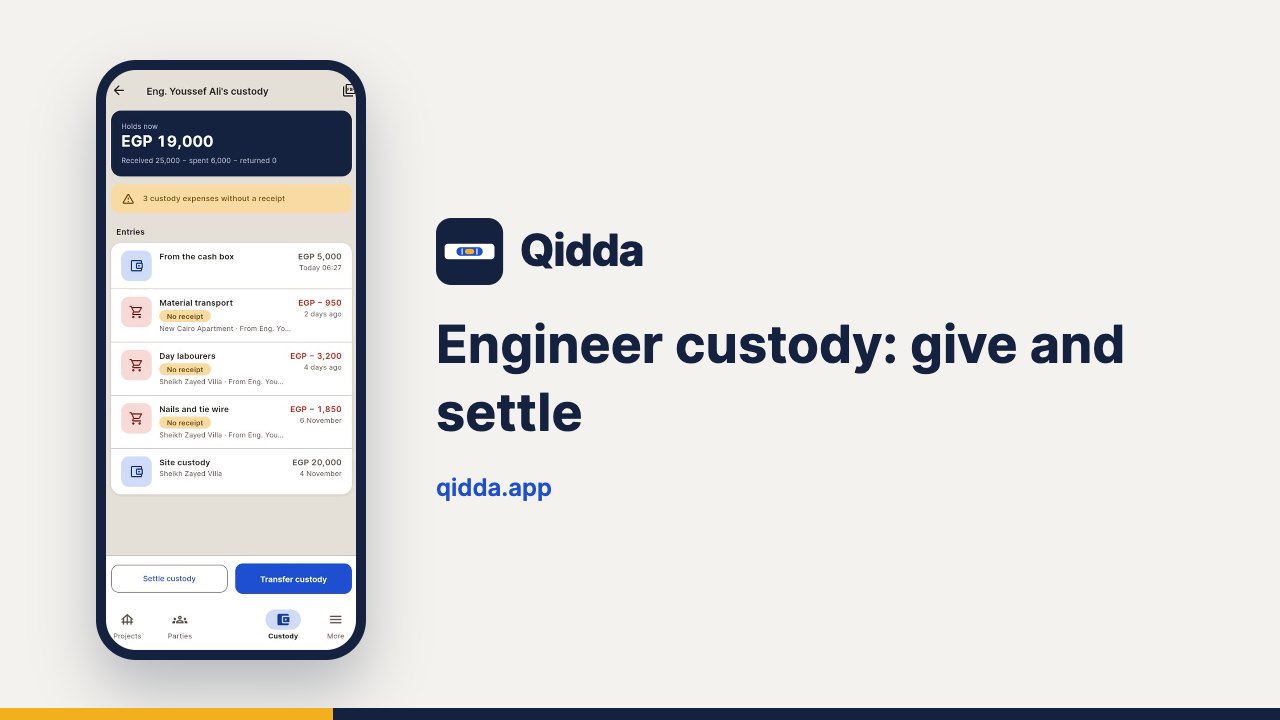
Engineer custody: give and settle
Give a site engineer custody money, follow what they spend from it, then settle it when they return the rest.
 Duration: 0:43
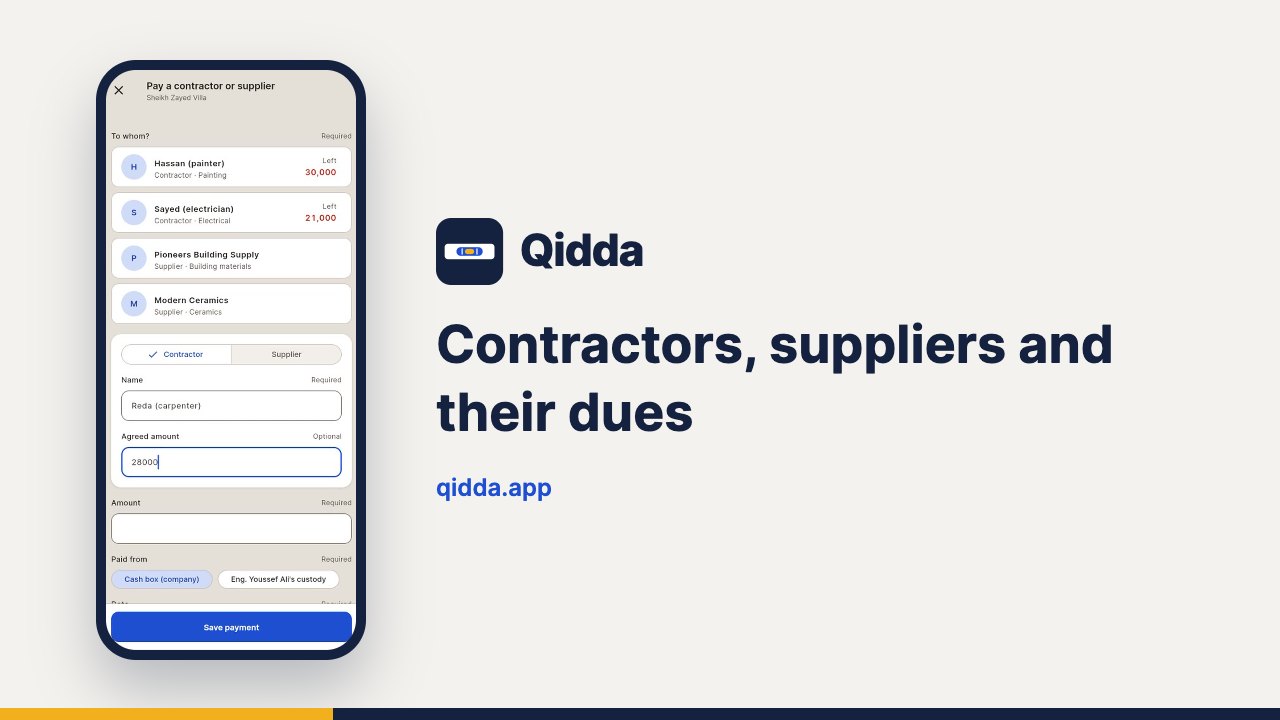
Contractors, suppliers and their dues
Link a contractor to the project with the agreed amount, record payments and always know what is still owed.
 Duration: 0:40
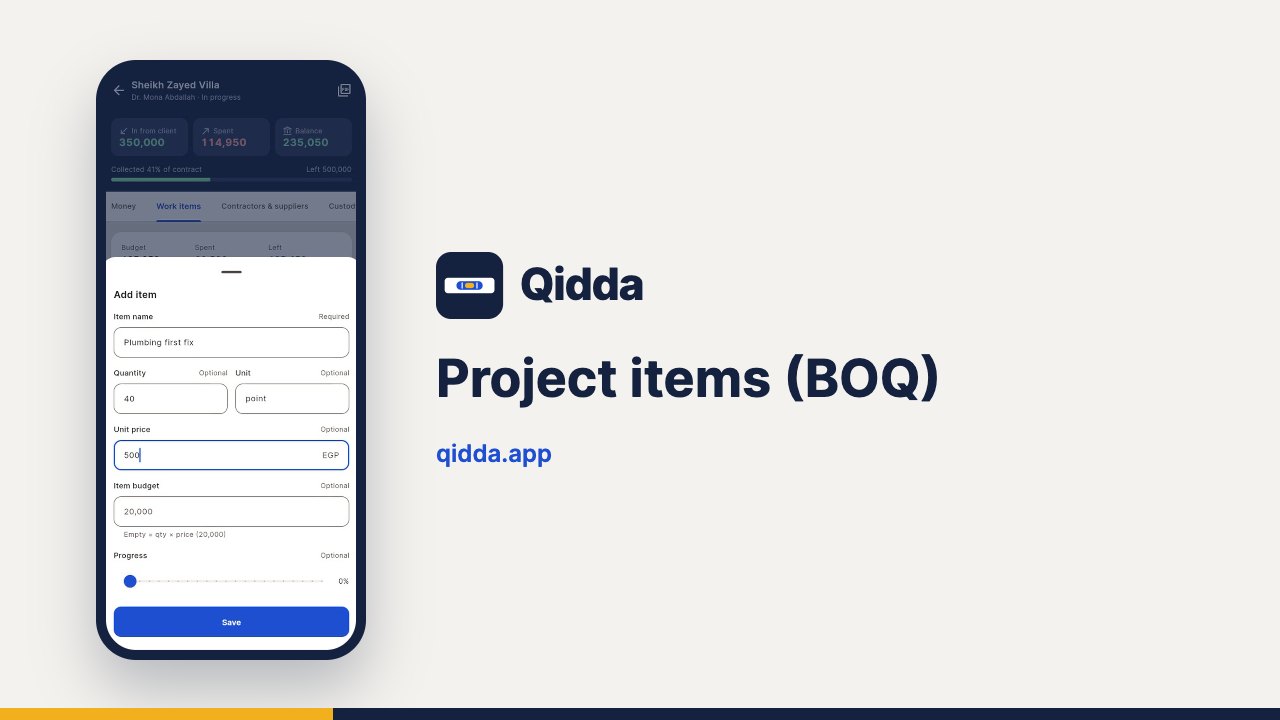
Project items (BOQ)
Add BOQ items with quantity and unit price, and follow each item’s budget, what was spent and what is left.
Site and client
 Duration: 0:31
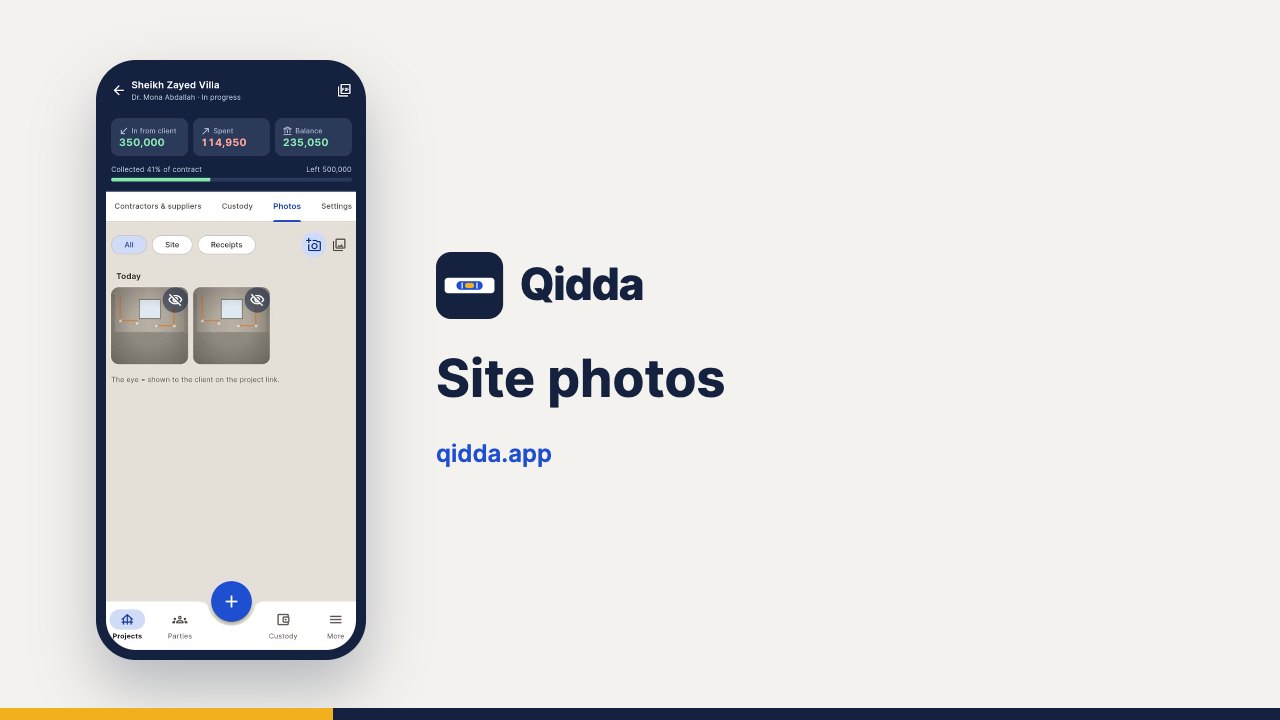
Site photos
Photograph progress on site and use the eye to choose which photos the client sees on their link.
 Duration: 0:37
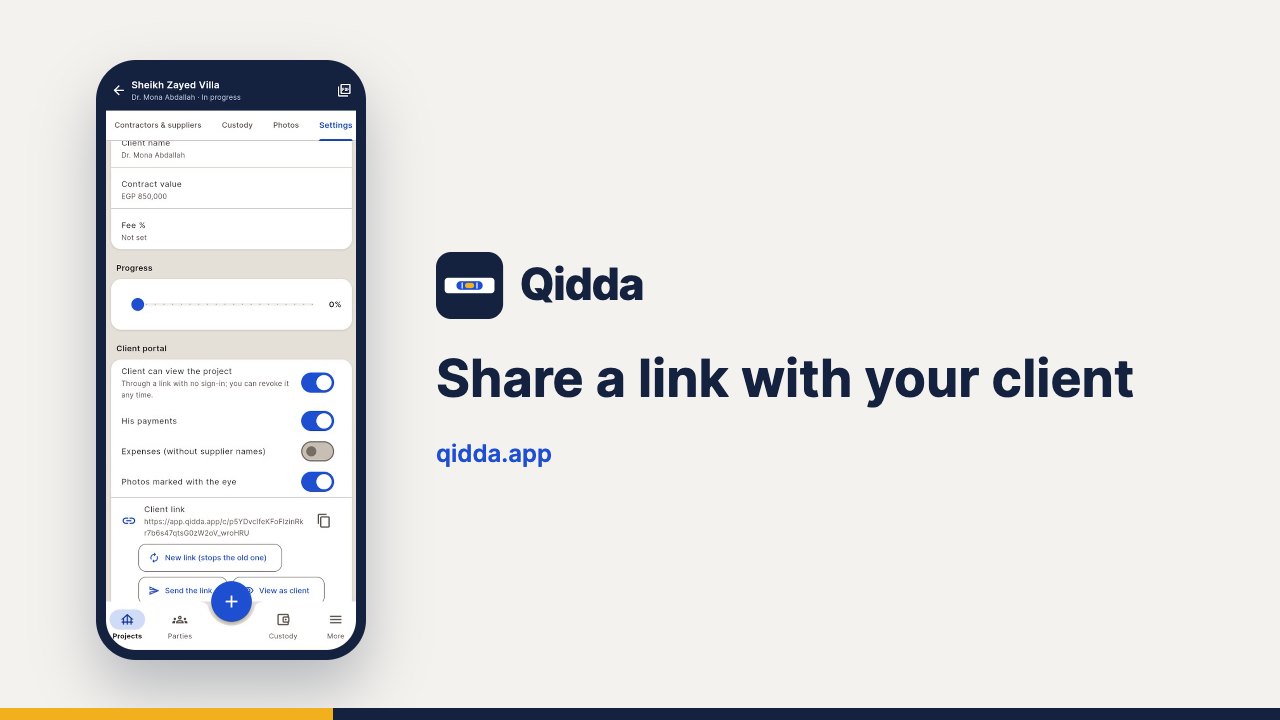
Share a link with your client
Share a link that shows the client their payments, project spending and photos, no sign-in needed. Revoke it any time.
 Duration: 0:26
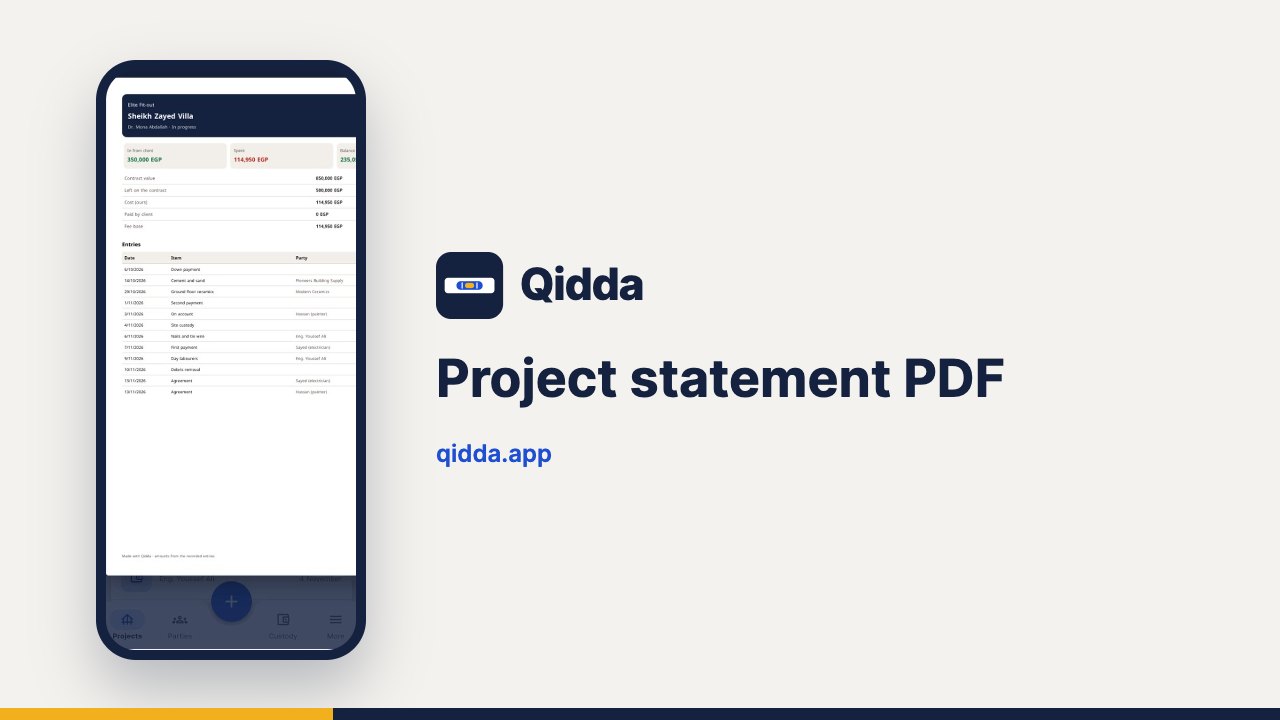
Project statement PDF
Print or share the project statement as a PDF with every entry and balance, ready to send to the client.
Team and data
 Duration: 0:44
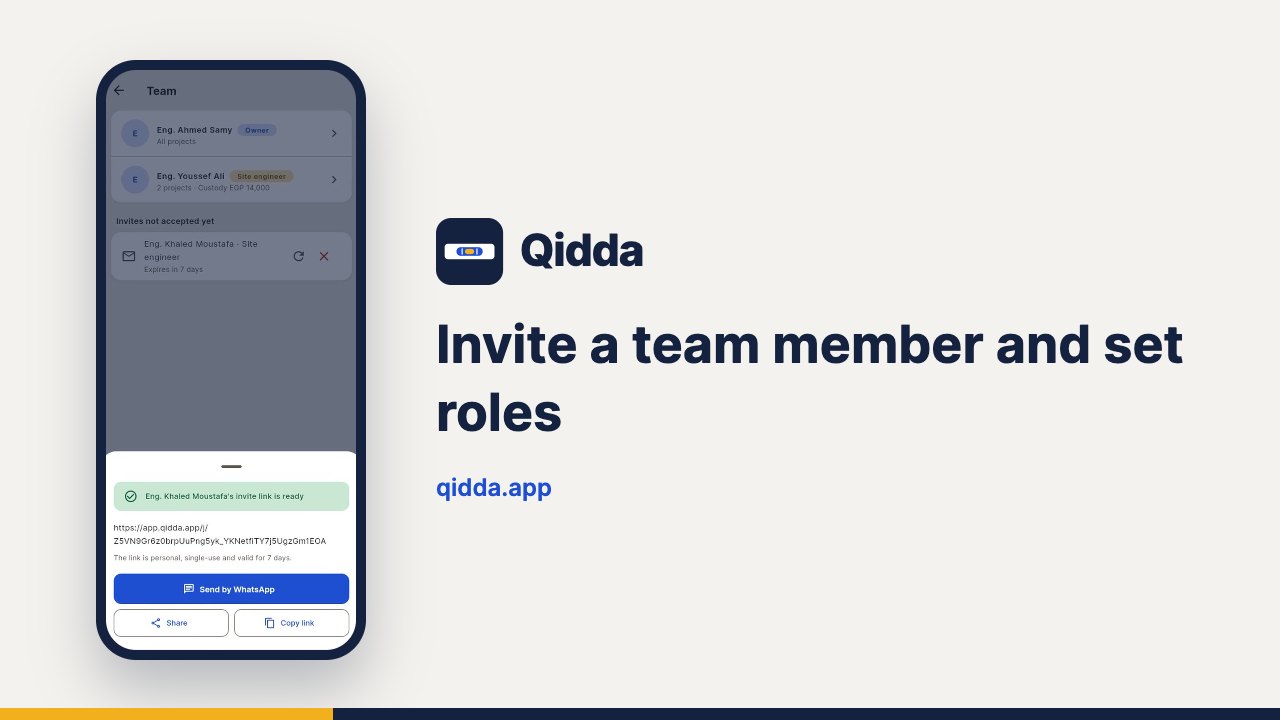
Invite a team member and set roles
Invite an engineer or accountant with a personal link and choose their role, projects and which figures they see.
 Duration: 0:39
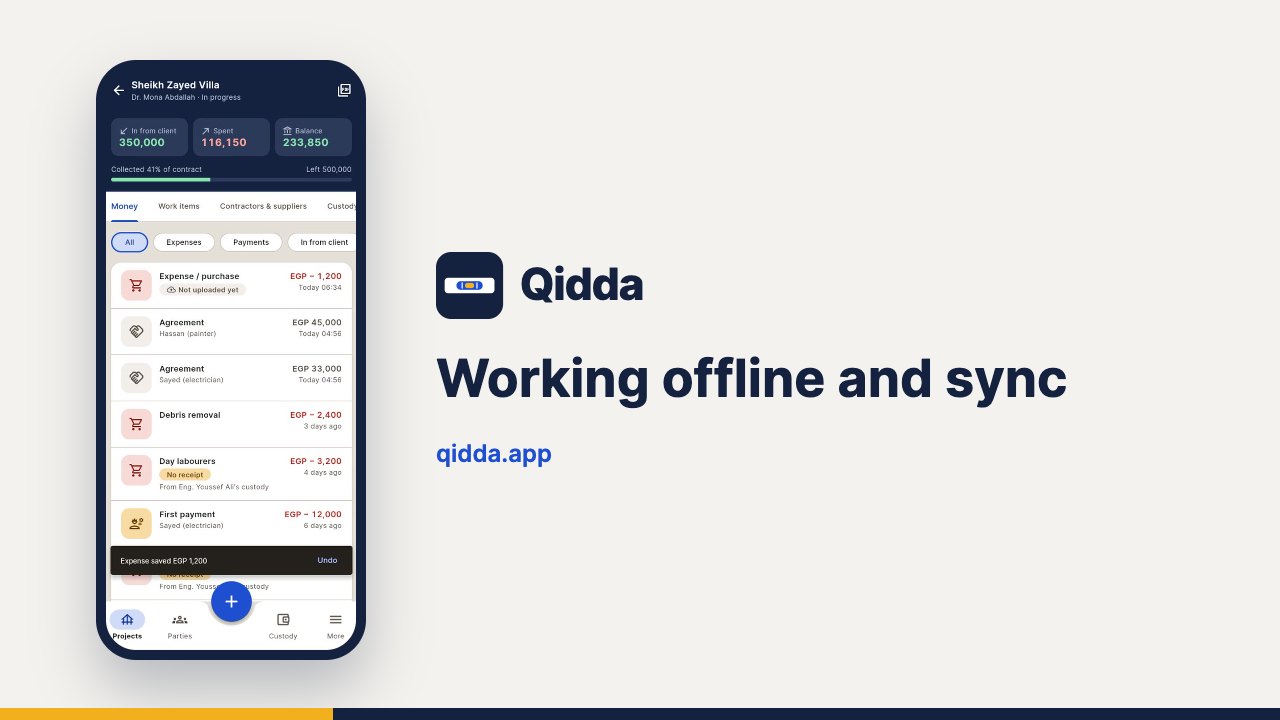
Working offline and sync
Record entries on site even with no internet; they upload by themselves when you are back online, nothing lost.
 Duration: 0:37
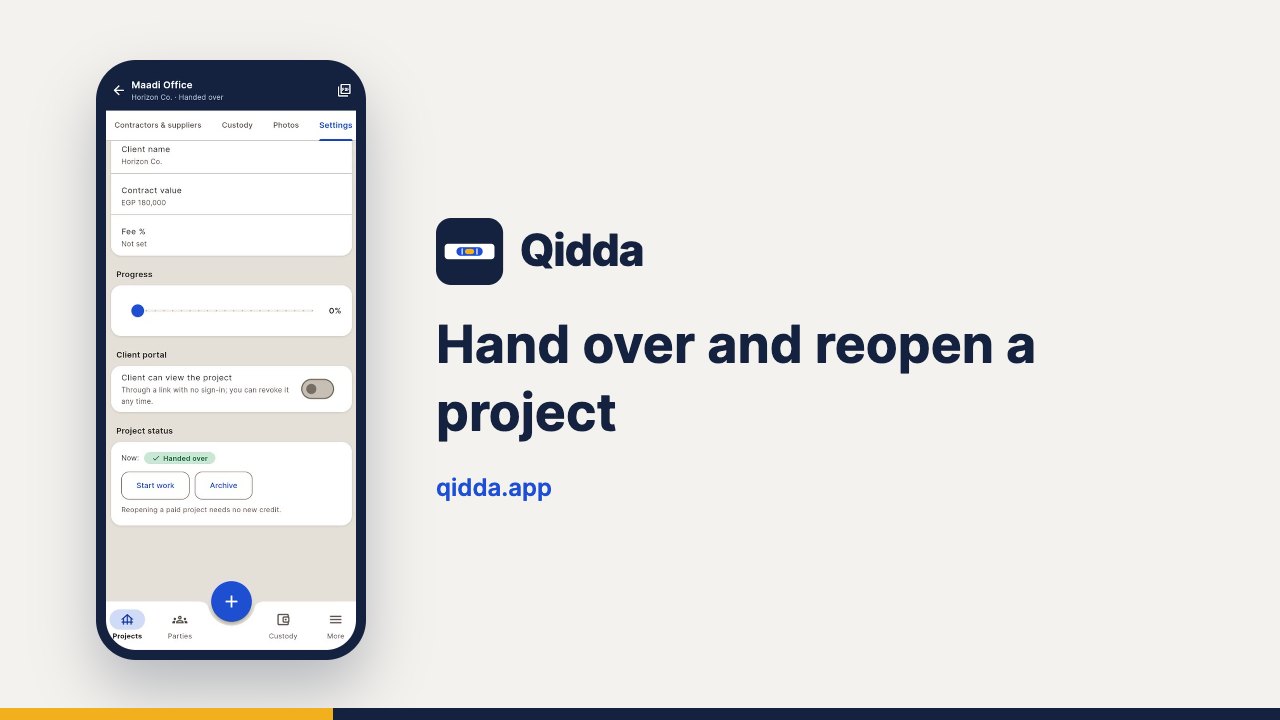
Hand over and reopen a project
Hand over a finished project: it stays readable and exportable for free, and you can reopen it whenever you need.
 Duration: 0:26
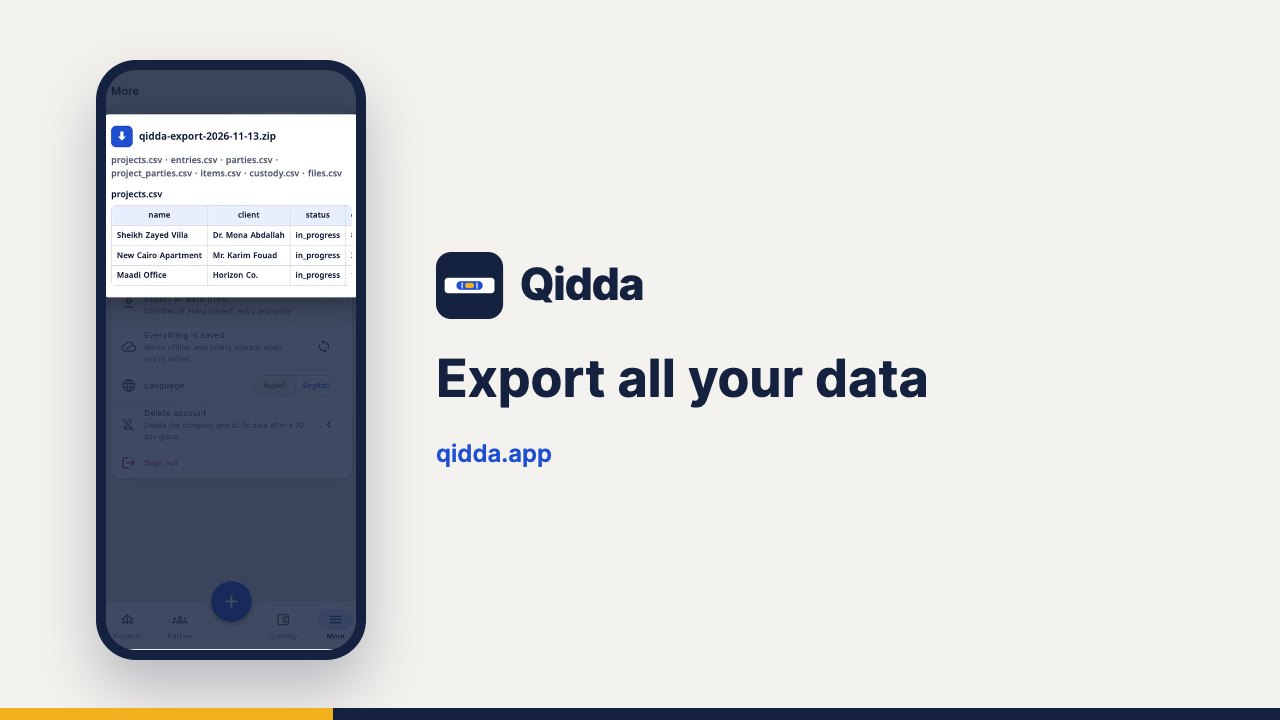
Export all your data
Export every project, entry and party as CSV files for free at any time: your data is yours.
Try it on your own project
The first project is free. Sign up and start the same minute.